What it looks like
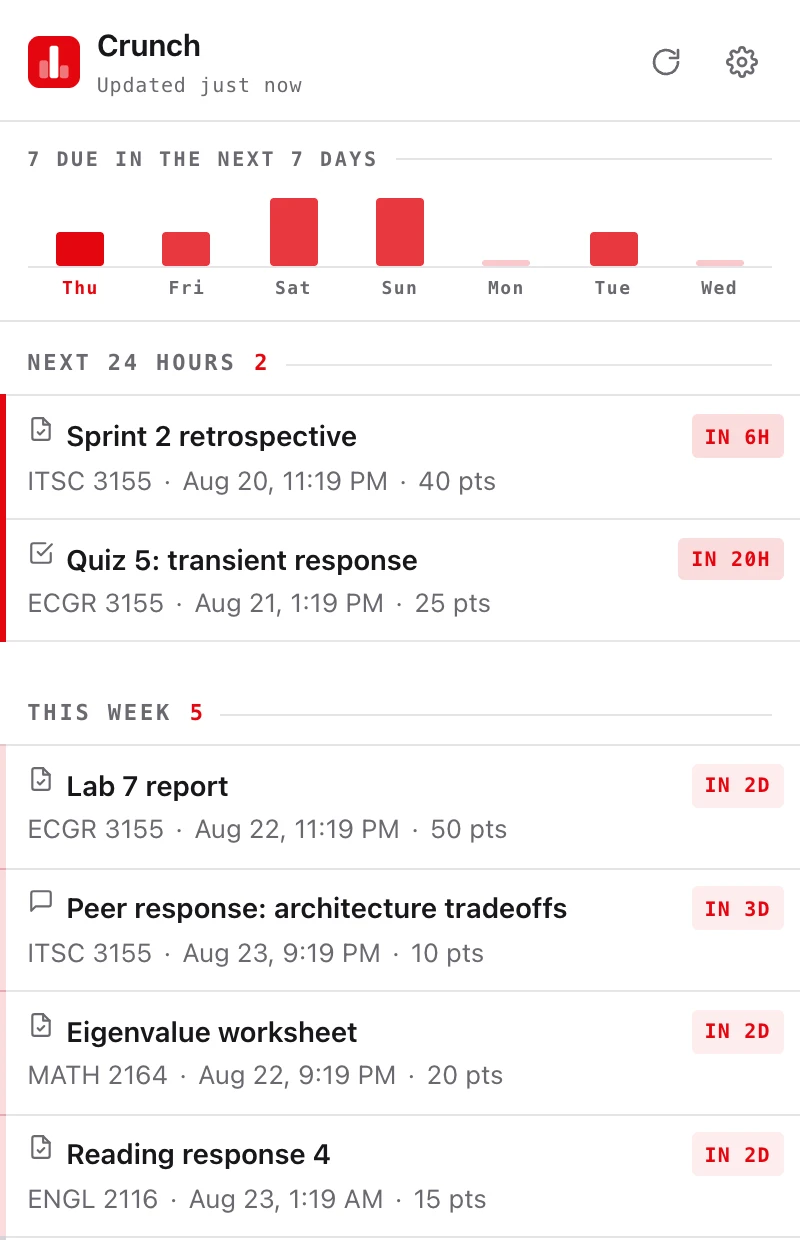
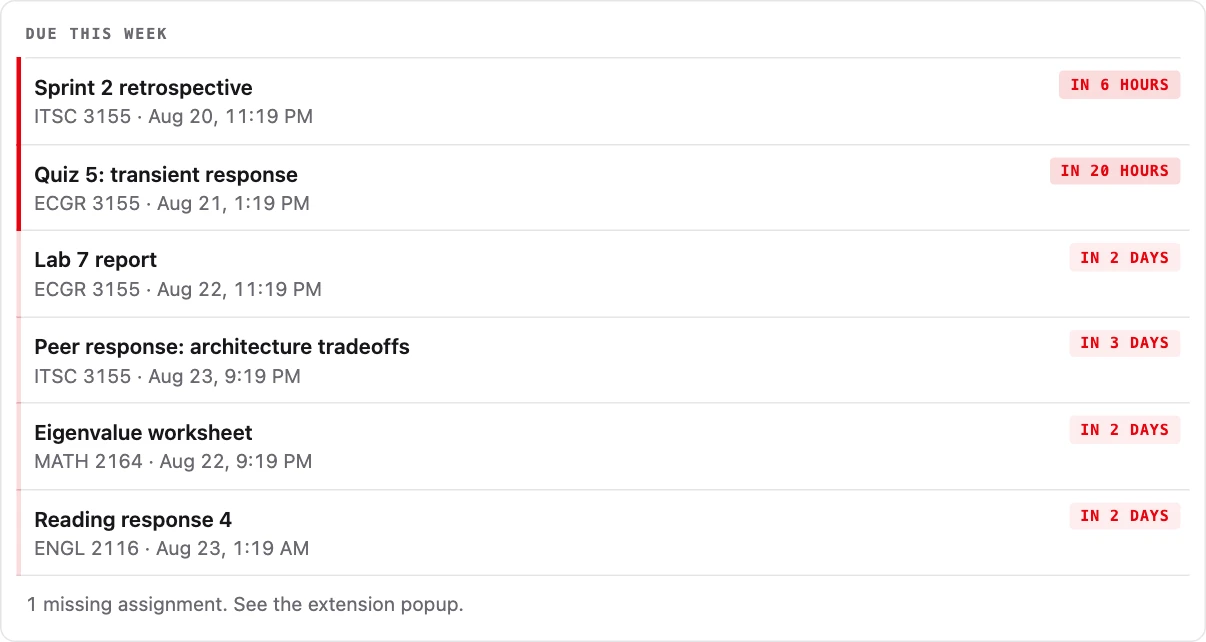

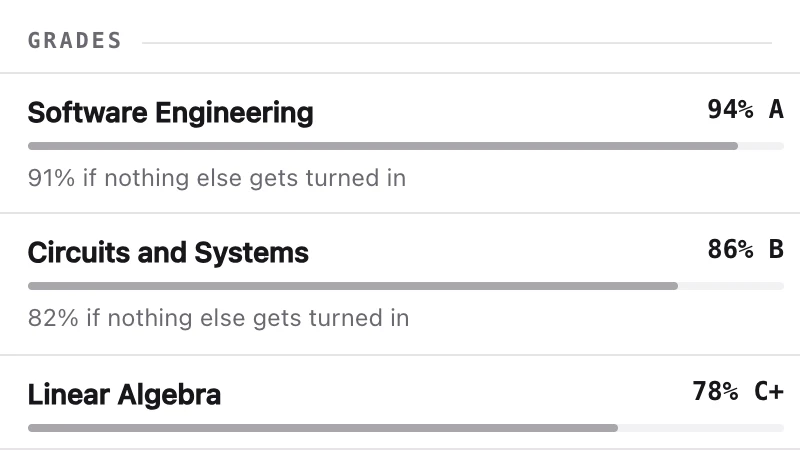
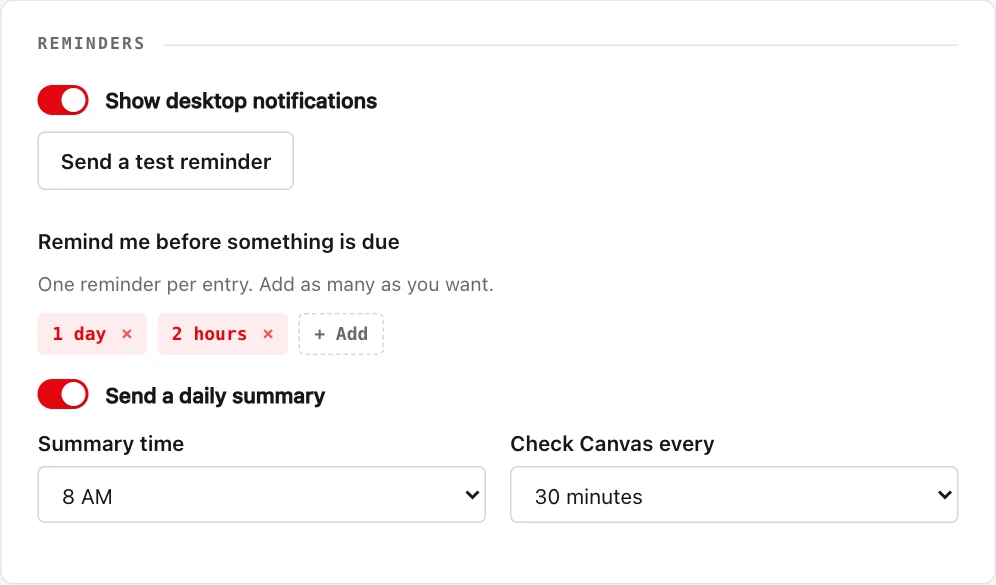
Coursework and grades shown here are invented, not anyone's.
Your Canvas coursework where you actually are: in your browser toolbar, and in Claude. What's due, what you're missing, and how your grades are really doing, without digging through six tabs.
Free · read-only · one Canvas token covers both · what it does
Already installed · pick up where you left off
Coursework and grades shown here are invented, not anyone's.
A toolbar button showing what's due this week, what's missing and what each missing thing costs your grade, with a desktop reminder before a deadline instead of after. It reads Canvas straight from your own computer. Get the extension →
Ask in plain words and get an answer that has read your actual courses: your syllabus, an assignment's instructions, what you need on the final to hit a B. Works on claude.ai and in the mobile app. Set up the connector →
One Canvas token covers both. Install the extension first and it sets the connector up for you in one press, so there is nothing to paste twice.
Upcoming assignments across every course, plus anything you've missed and how much each missing thing actually costs your grade, in one answer instead of six tabs. It counts your actual classes: the training modules and program shells your school enrolled you in and never closed stay out of the way.
Syllabi, assignment instructions, announcements and discussions. PDFs and Word docs get turned into text Claude can actually read, and it can search every course at once when you don't remember which one a handout was in.
Current scores, what a submission got, what the instructor's comments said, and what you need on what's left, including a not-yet-graded final, to hit a target grade. Where your school leaves Canvas analytics switched on, it can also show how a score sat against the rest of the class.
Optional, and you subscribe to it once. Assignments show up automatically with reminders sized to how much each one is worth, alongside anything your professor scheduled directly on Canvas's calendar (an exam's room and time, a review session) in your own local time.
It can look at your coursework. It cannot submit, post, unenroll, or change anything in Canvas.
Your token is stored encrypted and used only to call Canvas when you ask Claude something. You can delete everything, any time.
Your connection reaches exactly what you can already see when you log into Canvas. Nobody else's.